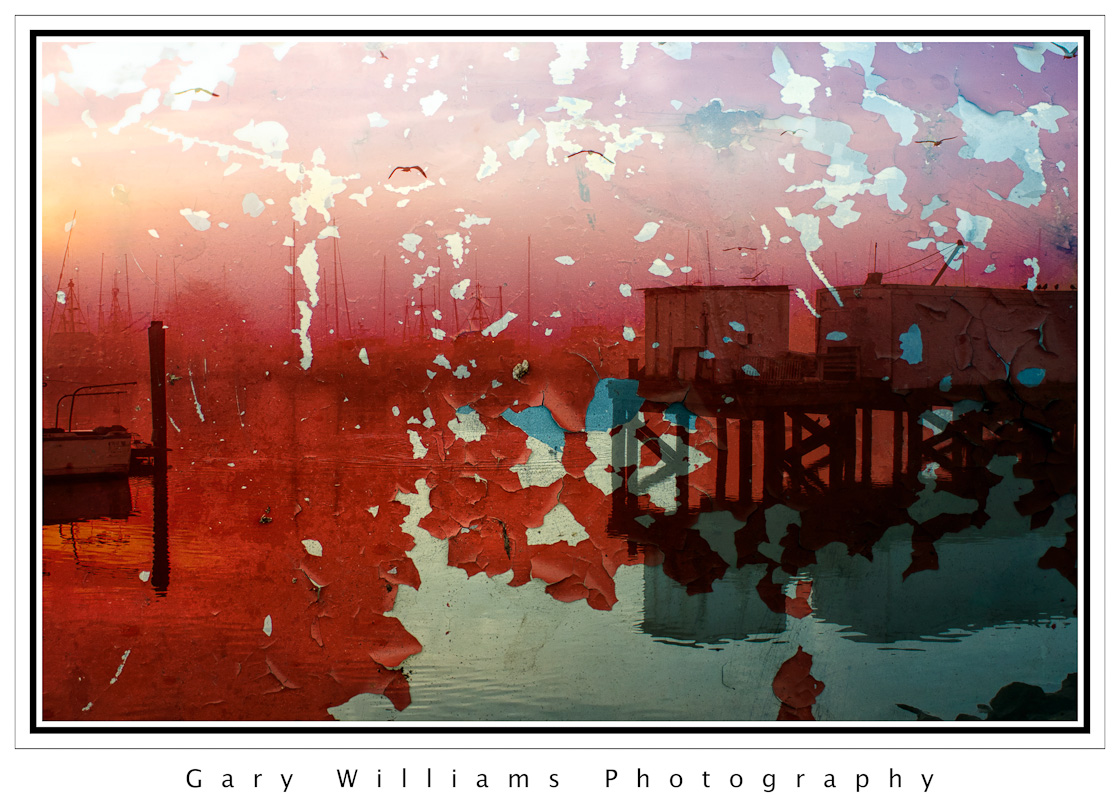
 A shot near the commercial fish dock on a foggy morning at the Moss Landing Harbor. The texture of the peeling paint was applied in the Overlay blend mode at 100% opacity. I like the way the birds seem to emerge from the holes in the paint.
Posts Tagged: Photoshop
9
Jan 12
Textures And Blending Modes–Moss Landing 2
5
Jan 12
Textures And Blending Modes–Moss Landing
 Still waters and a beautiful sunrise near the bridge in Moss Landing, California. This was blended with two different background textures. I wanted to create a more painterly type effect.
29
Dec 11
Textures And Blending Modes–Apple
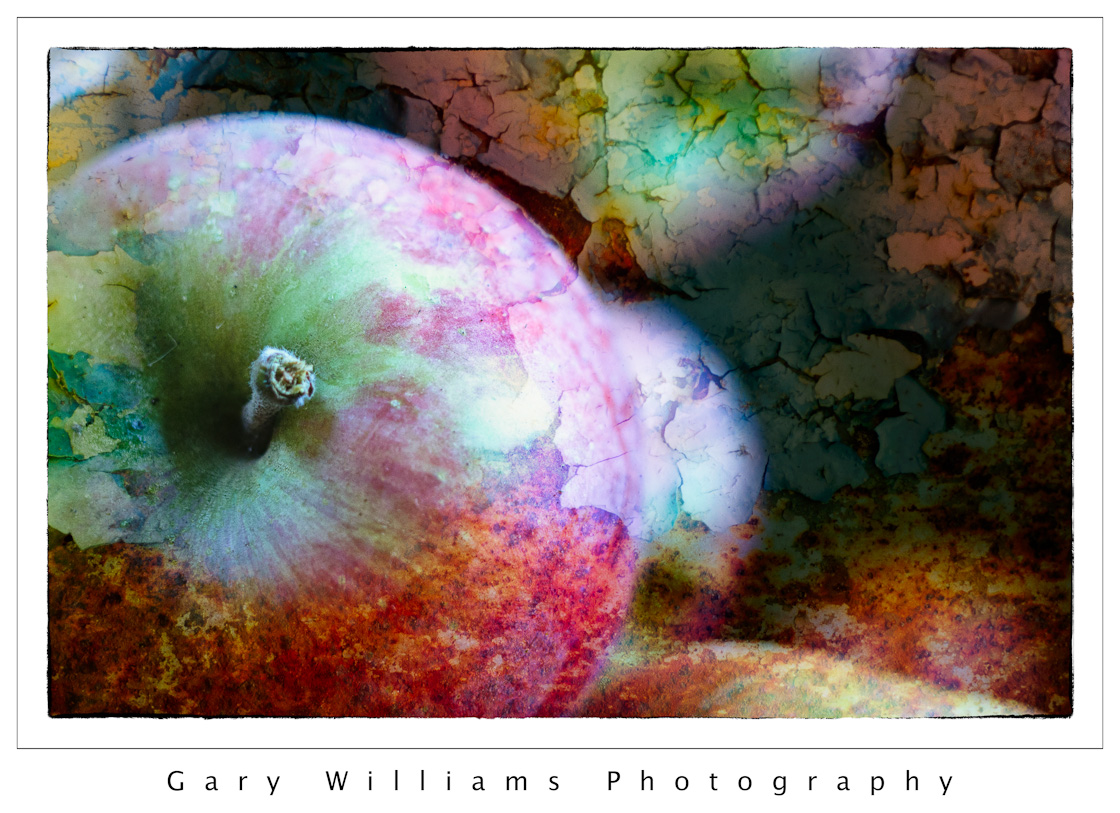 A background of rusty painted metal was used to blend with a photograph of apples. Hard Light blend mode at 78% opacity.
26
Dec 11
Textures And Blending Modes–Kitchen Counter
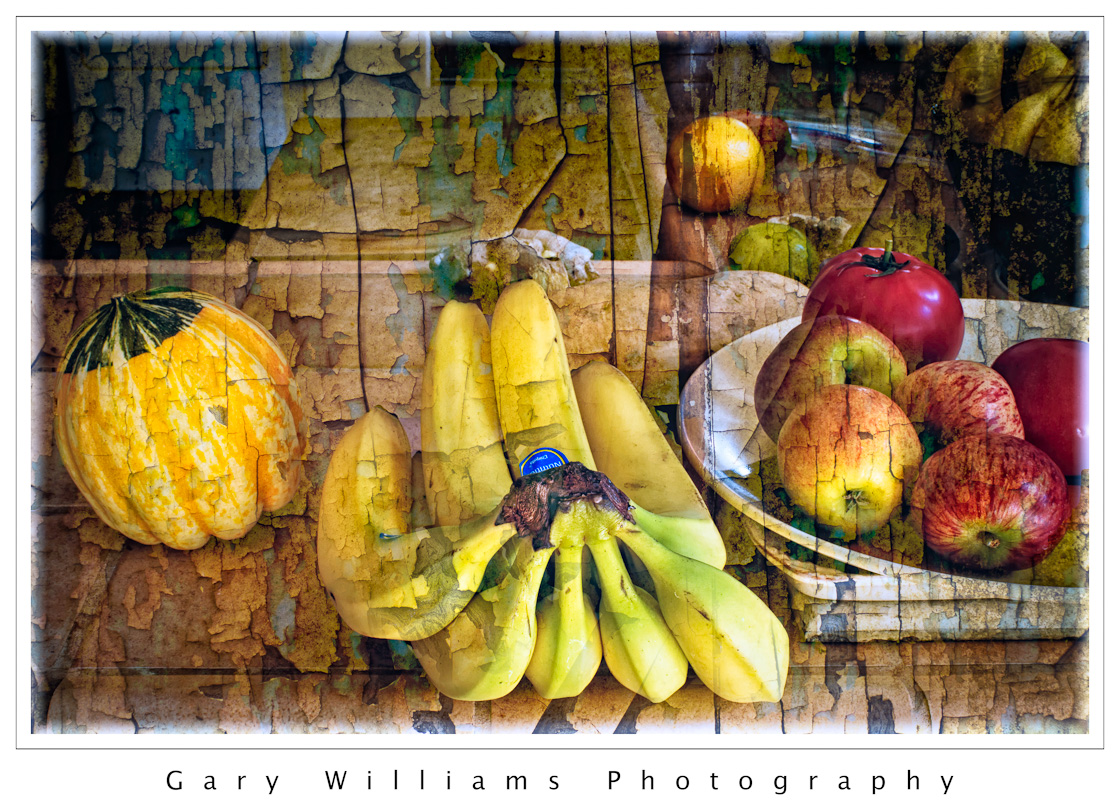 I was testing a lens, looking for something to shoot, and saw the fruit on the counter. The texture overlay gives the effect of a still life painting. Overlay blend mode at 100% opacity.
22
Dec 11
Textures And Blending Modes–Cannery Row
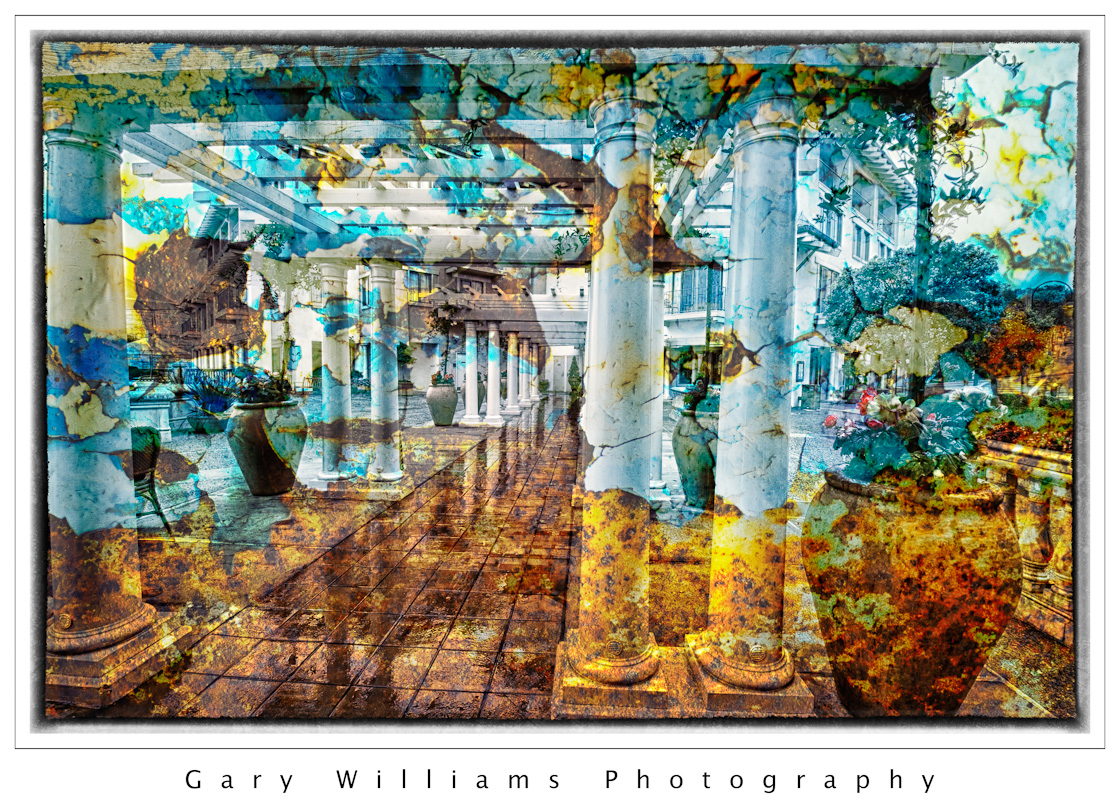 A rainy morning at a Cannery Row hotel in Monterey, California. This shot was overlaid with a photograph of peeling painted rusted piece of metal and blended with a Hard Light mode.
19
Dec 11
Textures And Blending Modes–Dahlia
 This was a close-up of the details of a beautiful Dahlia in a park in Monterey, California. It was overlaid with a picture of plywood and blended with the Soft Light mode at 80% opacity.
15
Dec 11
Textures And Blending Modes–Golden Gate Bridge
 A rather ordinary shot of San Francisco’s famous Golden Gate bridge is made more dramatic by an overlay of rusted and peeling metal.
12
Dec 11
Textures And Blending Modes–Red Poppies and Raindrops
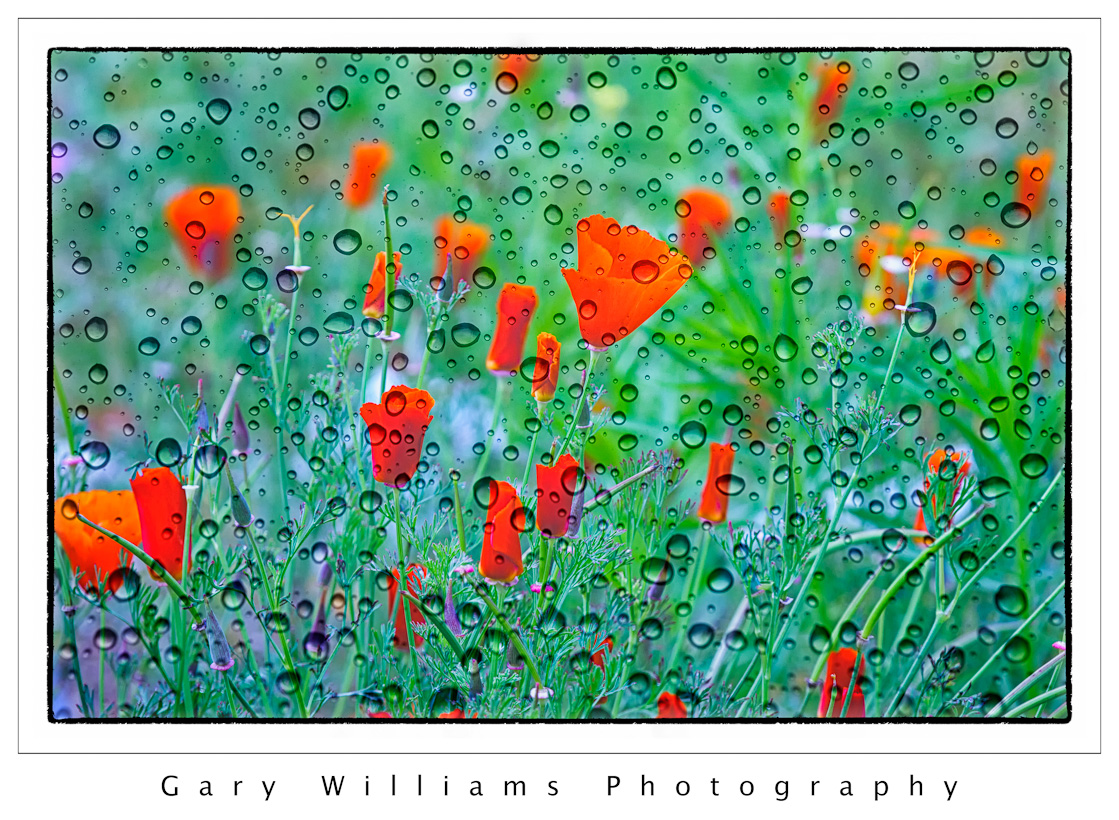 Red poppies in the backyard blended with a texture of raindrops on a window pane
8
Dec 11
Textures And Blending Modes–Poppy Preserve
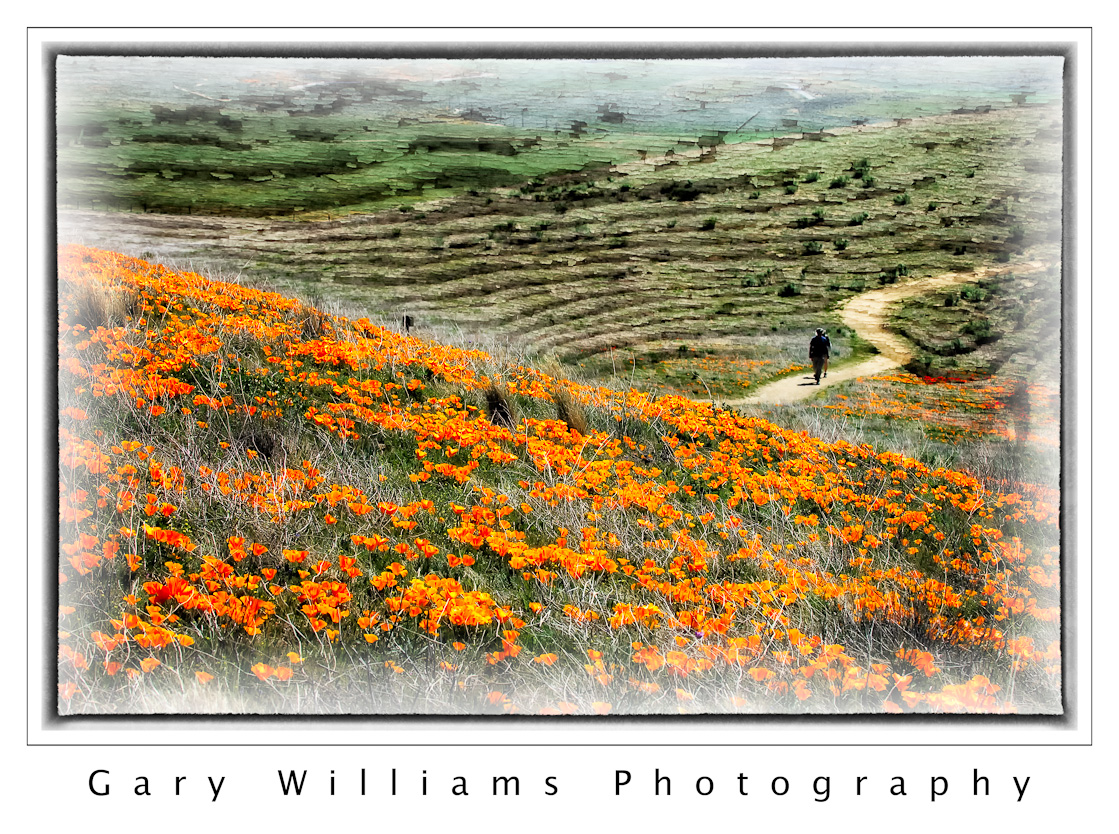 I have been experimenting with Adobe Photoshop’s blending modes feature to see what the effect would be to blend some of my photographs with a texture. I found a source for 100 different background textures at a site called photoradar. The textures are quite varied and very nicely done. I looked for a texture that would complement a particular photograph and overlaid it as a layer above the original picture. I then changed the blend mode of the texture layer from Normal to Overlay, Soft Light or Hard Light and then reduced the opacity of the layer. Not every experiment worked but I was happy with some. In the next several posts I will share a few. This image is from the Antelope Valley Poppy Preserve in Lancaster, California blended with a background of peeling plywood.
Here is a link to photoradar.com.
2
Mar 10
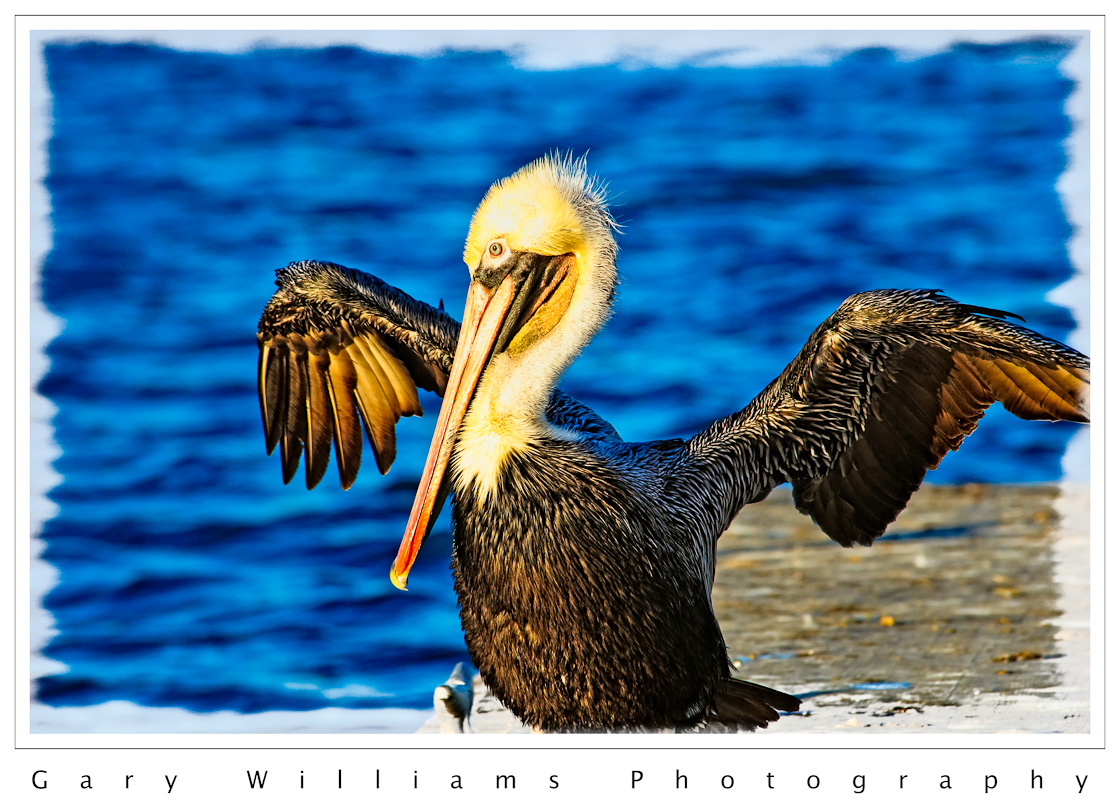
Polar Coordinates and the Pelican
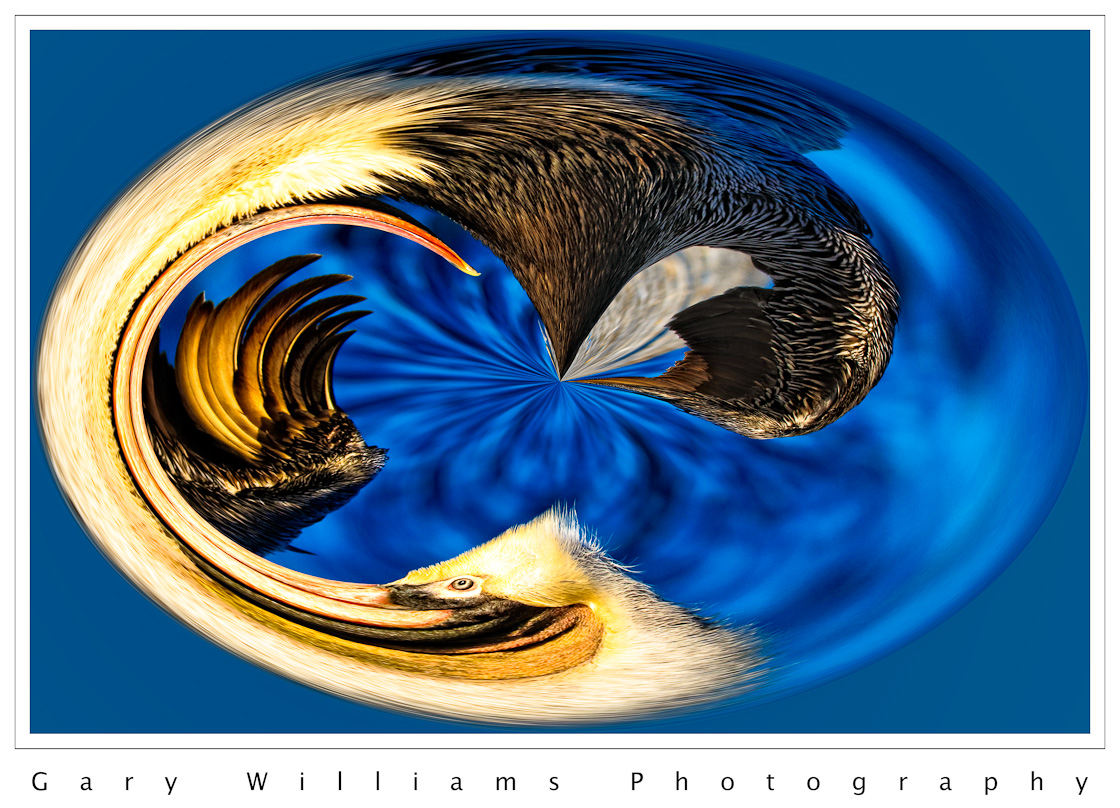 Today’s post is another example of using Photoshop’s Polar Coordinates filter to radically transform an image. I explained the process here in Monday’s post. The original image (scroll down to see) is of a brown pelican drying its feathers on a boat dock in Moss Landing, California. The distorted image emphasizes the sweep of the bill and the wing feathers but leaves the eye distinct, a nice touch, I think.